Clean your Mac
in seconds.
Reclaim gigabytes of wasted storage. Find duplicates, purge caches, uninstall apps cleanly, and manage large files — all from one lightweight native macOS utility.
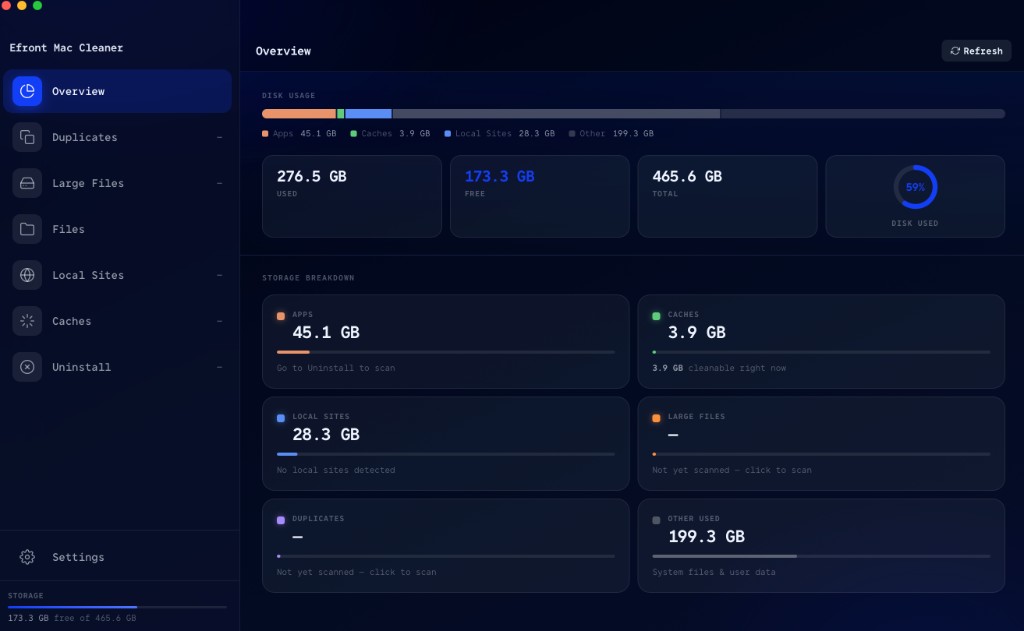
// Features
Everything you need.
Nothing you don't.
A lightweight native macOS utility used by developers and creators to reclaim disk space.
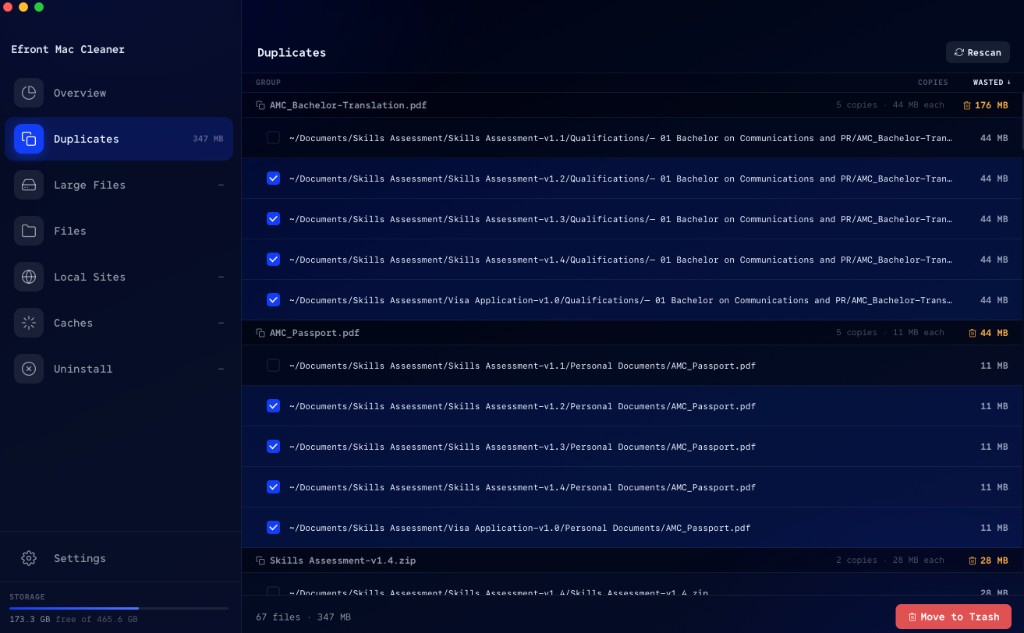
Duplicate Finder
Scan your folders for identical files using SHA-256 hashing. See exactly what's duplicated and reclaim wasted space in seconds.
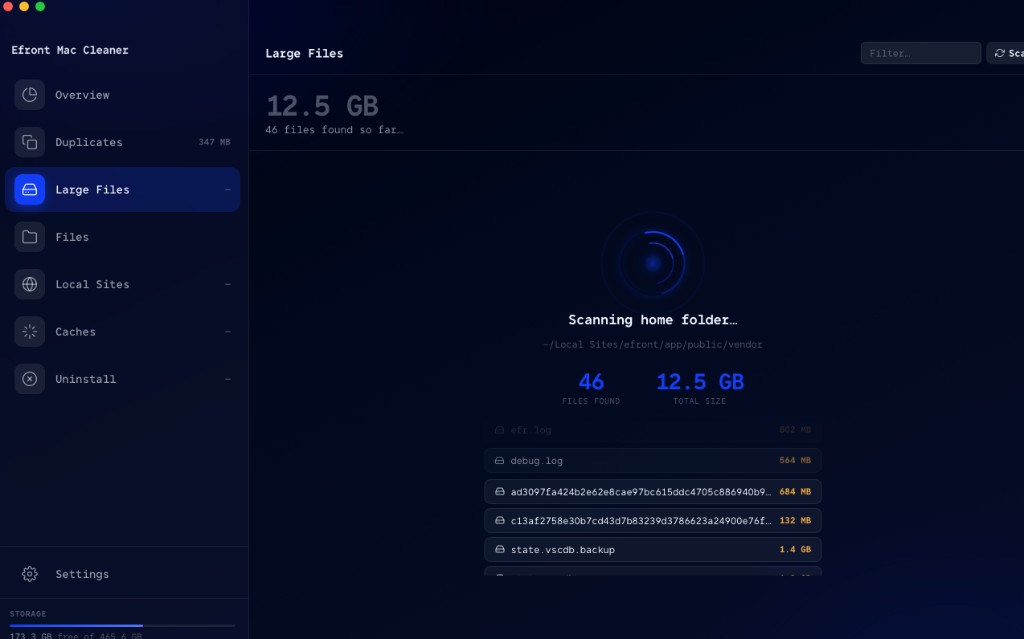
Large Files
Instantly locate files over 50 MB hidden across your home directory and decide what stays.
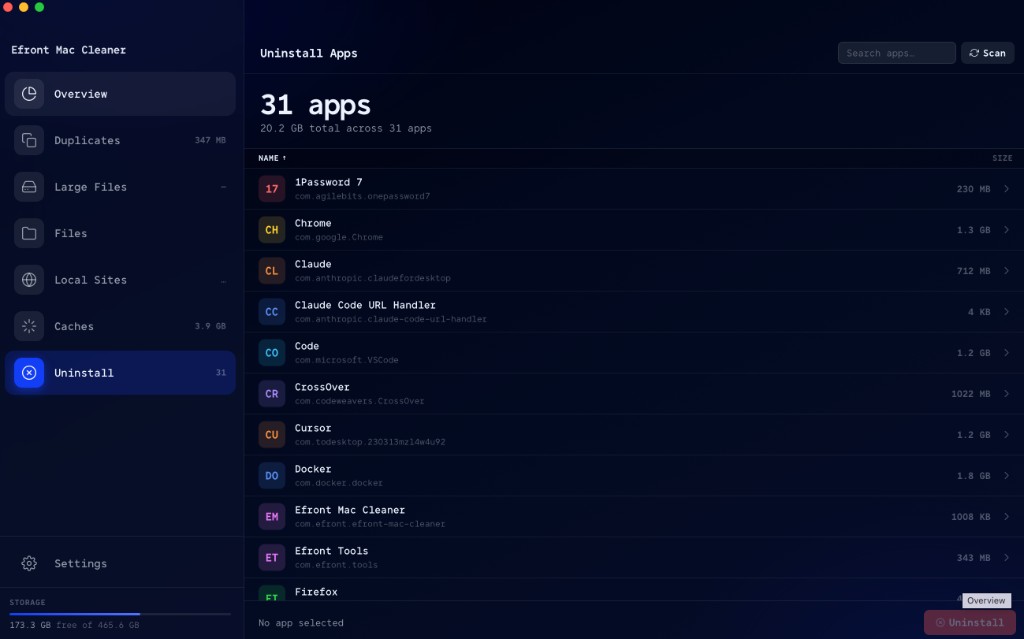
App Uninstaller
Remove apps completely and hunt down leftover files in ~/Library that other uninstallers miss.
Cache Cleaning
Clear caches from Spotify, npm, Chrome, Xcode, Cursor, Adobe, and more with one click.
Local Sites
Manage Local by Flywheel WordPress sites and free up storage from unused dev environments.
File Browser
Navigate your filesystem with a fast browser. Preview, sort, and trash files without leaving the app.
// Installation
Up and running
in minutes.
Standard macOS DMG install — no package manager, no account required.
Download
Click below to download the universal DMG — works on both Apple Silicon (M1–M4) and Intel Macs.
Open the DMG and drag to Applications
Double-click the .dmg to mount it, then drag Efront Mac Cleaner.app into your /Applications folder.
Launch
Open Spotlight (⌘ Space), type efront, press Return — or double-click from Finder.
⚠ macOS Gatekeeper
If macOS shows "Efront Mac Cleaner cannot be opened because it is from an unidentified developer", run the command below in Terminal once after installation. This clears the quarantine flag macOS applies to apps downloaded outside the App Store — the app itself is not modified.
xattr -cr "/Applications/Efront Mac Cleaner.app"
After running this, launch the app normally from Spotlight or Finder.
// Download
Ready to reclaim
your storage?
Download Efront Mac Cleaner and see how many gigabytes you can free up.
download for mac